Why WorkMimic Is Designed to Stay Invisible to Time-Tracking Tools
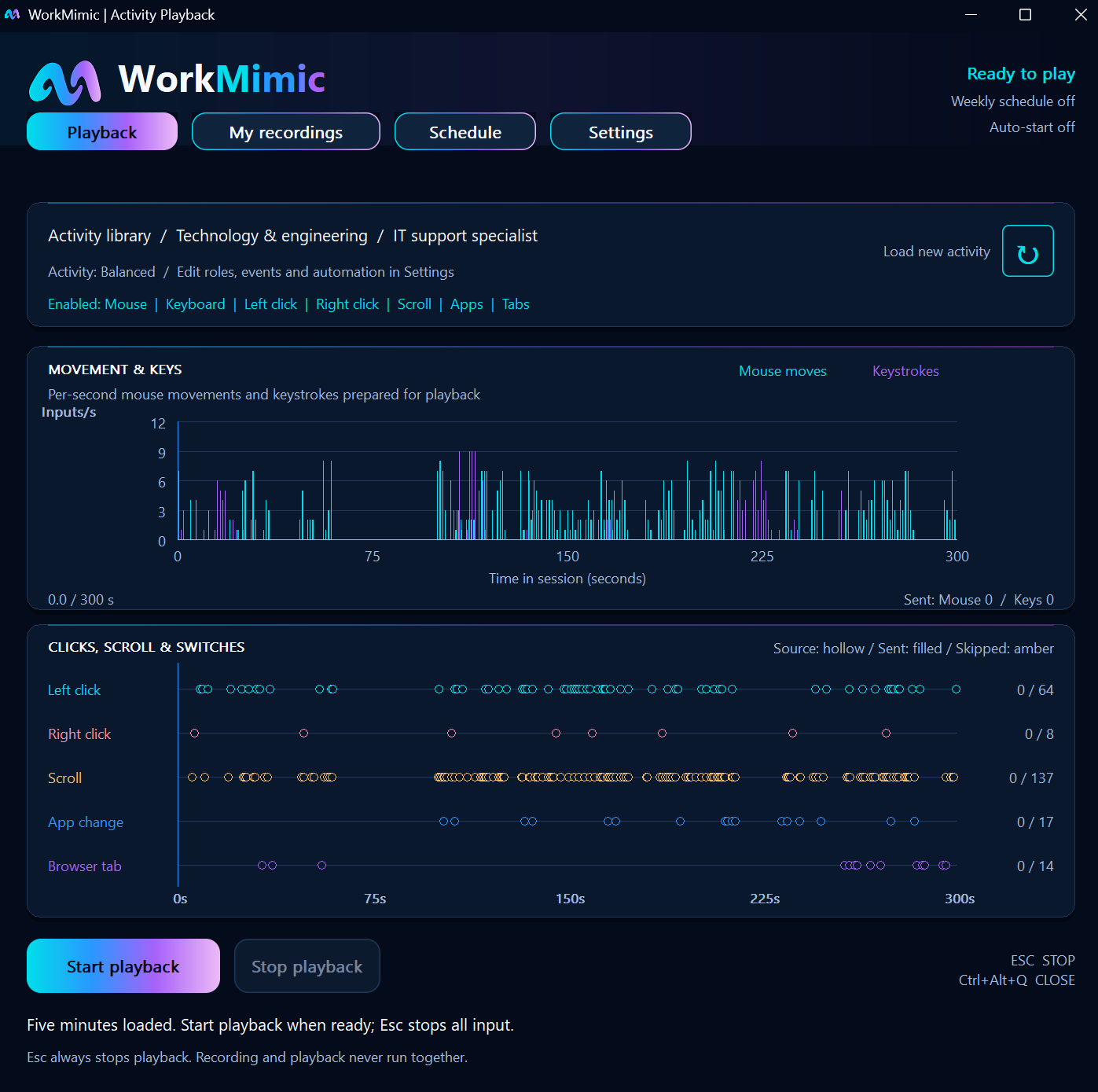
Understand background operation, recorded human activity, and how WorkMimic interacts with active-window tracking, activity metrics and screen captures.
Read article WorkMimic
THE WORKMIMIC LIBRARY
Get to know WorkMimic. Find your setup. Explore the tools behind the workday.
Practical ideas.
At your own pace.
Product knowledge, put into practice.
4 articles
Understand background operation, recorded human activity, and how WorkMimic interacts with active-window tracking, activity metrics and screen captures.
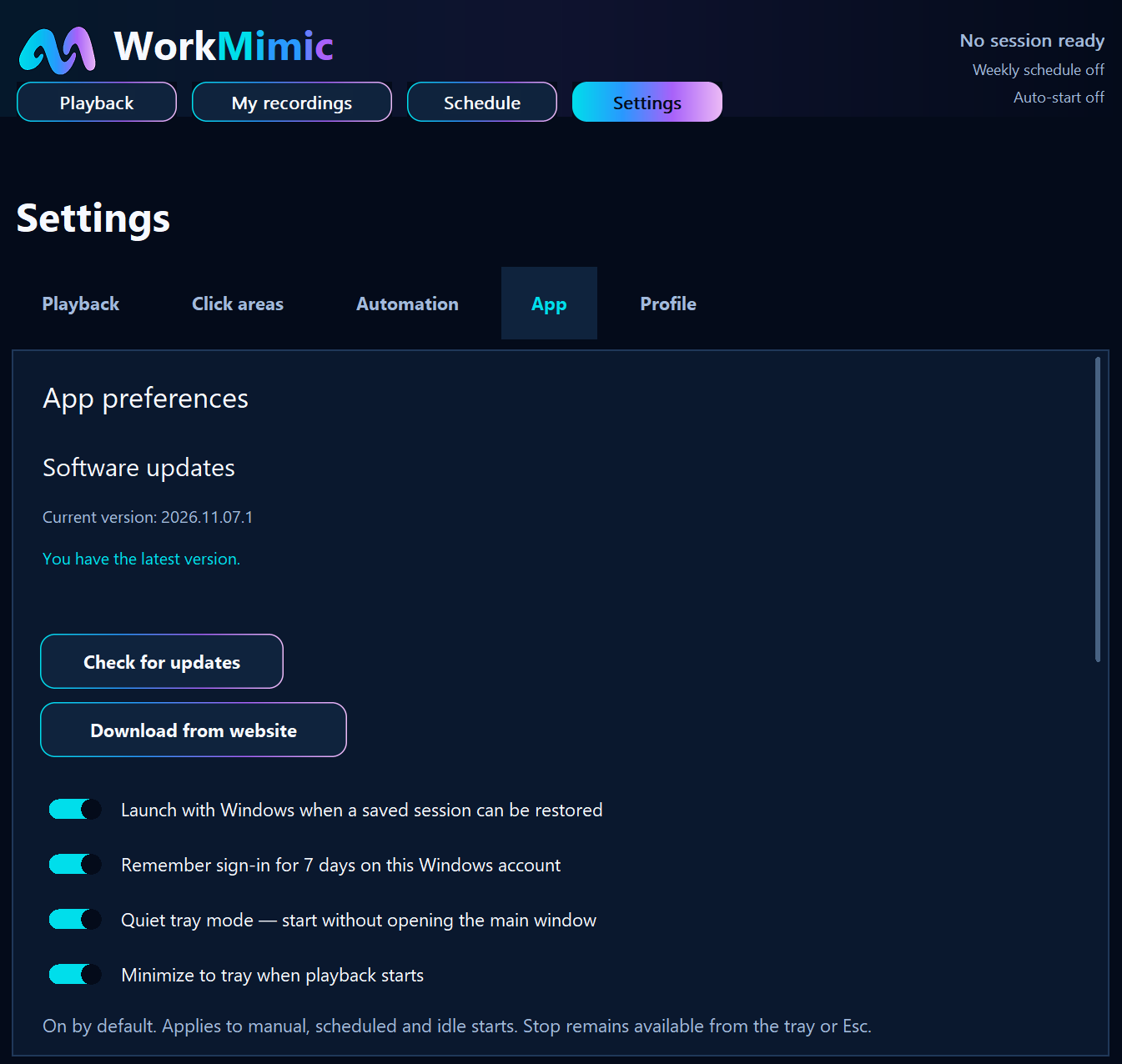
Read articleA step-by-step guide to Windows startup, quiet tray mode, automatic playback and weekly schedules, without keeping the main window open.
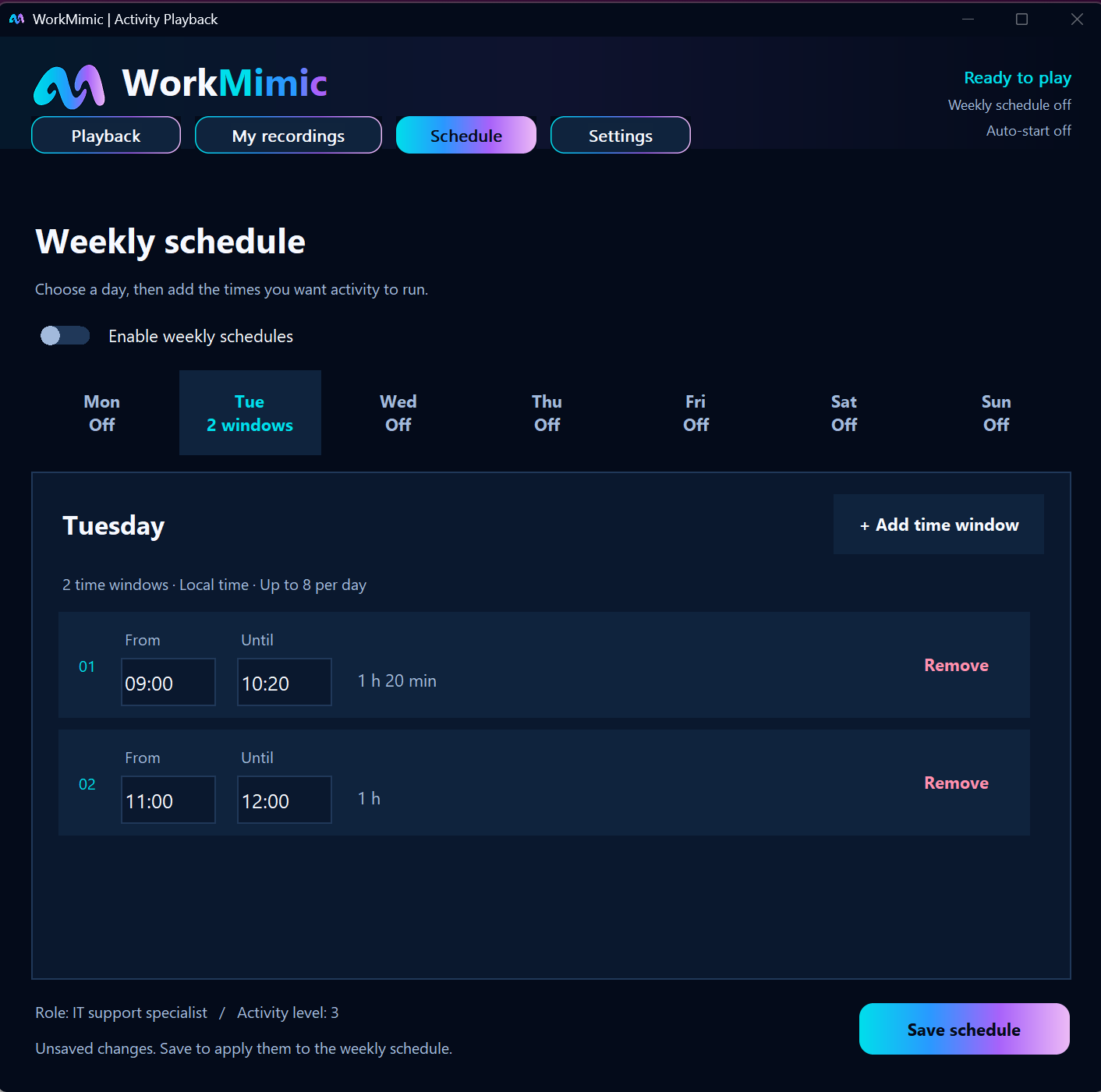
Read articleStart when you step away, stop when you return, and follow a weekly schedule. Configure a routine that fits around your working day.
Read articleChoose a professional work profile, adjust activity intensity, select keyboard and mouse inputs, and configure click areas across your displays.
Read articleTry another search or explore a different category.